


- You can physically check a used phone’s display, battery health, cameras, speaker, and ports in under 5 minutes — no tools needed.
- Always verify the IMEI before handing over any money; a blocked IMEI means the phone is worthless on Pakistani networks.
- Software issues are rarely fixable for free — walk away from any device with ghost touches, random reboots, or a faded display.
Buying a used smartphone in Pakistan is a smart move — but only when you know exactly what to check. In our professional experience inspecting thousands of second-hand devices at Phonewaly.pk, we’ve seen buyers lose money on phones that looked fine on the outside but had hidden faults that cost more to repair than the phone was worth.
This guide gives you a repeatable 5-minute physical inspection framework you can use right now — whether you’re buying from a shop in Hafeez Centre, a Facebook Marketplace seller, or a classified ad.
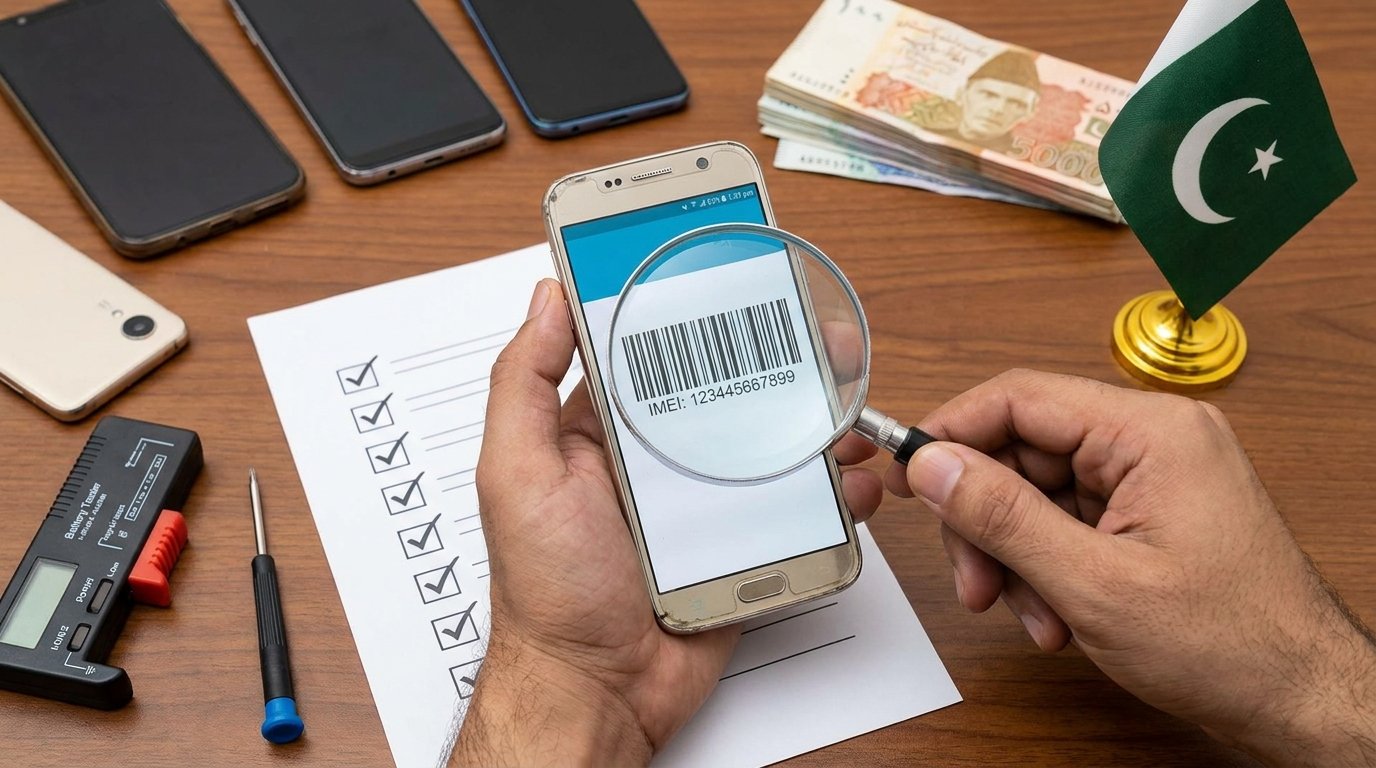
Step 1: Verify the IMEI — Before Everything Else
The IMEI is the phone’s identity. A stolen, PTA-blocked, or cloned IMEI makes the handset completely unusable on Pakistani networks — and there’s no fix.
How to check it
- Dial *#06# — the IMEI will appear on screen.
- Check the IMEI on the box and under the SIM tray. All three should match.
- Visit dirbs.pta.gov.pk and enter the IMEI to confirm PTA compliance status.
- If the seller refuses to let you dial or check — walk away immediately.
What we’ve consistently observed in the market: cloned or non-PTA devices are often sold at prices that seem like unbeatable deals. They are not deals. The PTA blocking fee alone can exceed the phone’s second-hand value.
Step 2: Inspect the Display Carefully
The display is the most expensive component to replace — often costing 40–70% of the phone’s resale value. A thorough screen check takes less than 90 seconds.
What to look for
- Dead pixels: Open a solid black image and a solid white image. Look for dots that don’t change color.
- Ghost touch: Open the Notes or Calculator app. Place the phone face-up on a flat surface — the screen should not register any random taps.
- Burn-in (AMOLED screens): Open a medium-grey image. Look for faint ghosts of icons or a navigation bar — this is permanent.
- Touch response: Use all 10 fingers simultaneously. Any dead zones in the digitizer are a red flag.
- Brightness uniformity: At full brightness, check for blotchy areas or a yellow tint — signs of LCD pressure damage.
Step 3: Test Battery Health — The #1 Hidden Problem
A degraded battery is the most common defect in used phones — and the one sellers least like to disclose. A battery below 80% capacity will drain visibly fast and may shut down unexpectedly under load.
iPhone users
Go to Settings → Battery → Battery Health. Anything below 80% warrants a significant price discount or a battery replacement cost negotiation.
Android users
- Samsung: Dial *#0228# or check “Device Care” in Settings for cycle count data.
- Other Android phones: Download AccuBattery from the Play Store on the spot. Run a quick discharge test.
- Watch the percentage while using the phone. If it drops 3–4% in 2 minutes of normal use, the battery is significantly degraded.
Skip the guesswork — buy from Phonewaly.pk
Every phone listed on Phonewaly.pk is graded by our in-house team. Battery health, IMEI status, display grade, and accessory completeness — all disclosed upfront. No surprises.
Browse Verified Used Phones →Step 4: Check All Hardware in 90 Seconds
Run through this physical checklist fast. A seller who gets impatient during this step is a seller you should not trust.
Cameras
- Open the camera app. Check front and rear cameras for focus, color accuracy, and blur.
- Record a 10-second video — watch for EIS shake, audio sync issues, or black frames.
- Check the rear camera lens under direct light for scratches (they reduce sharpness).
Speakers & Microphone
- Play a YouTube video at full volume — distortion at high volume means blown speaker.
- Record a voice memo and play it back — any muffled sound indicates a blocked or damaged microphone.
Ports & Buttons
- Plug in a charger — confirm the phone recognizes and begins charging immediately.
- Insert earphones. Test both channels for audio balance.
- Press every physical button: volume up/down, power, and home button (if applicable). All should click cleanly.
- Check the SIM tray and biometric sensor (fingerprint/Face ID) for responsiveness.
How to Test a Used Smartphone: Full Checklist at a Glance
Use this table as a quick-reference during your physical inspection. Priority ratings reflect the cost and difficulty of repairing each issue.
| Check | How to Test | Priority | Deal-Breaker? |
|---|---|---|---|
| IMEI / PTA Status | *#06# → verify on dirbs.pta.gov.pk | Critical | ✅ Yes — always |
| Display Dead Pixels | Open solid black & white images | Critical | ✅ Yes — unrepairable |
| Ghost Touch | Place phone flat; watch for phantom taps | Critical | ✅ Yes — digitizer fault |
| Battery Health | Settings / AccuBattery / *#0228# | Critical | Negotiate price if <80% |
| Charging Port | Plug in charger, confirm charging begins | Important | Rs. 800–2,500 to repair |
| Cameras (Front & Rear) | Photo + 10-sec video test | Important | Depends on repair cost |
| Speaker / Mic | Full-volume YouTube + voice memo | Important | Depends on severity |
| Physical Buttons | Press each button — check click response | Basic | Usually negotiable |
| Biometrics | Test fingerprint/Face ID enrollment | Basic | Depends on use case |
| Network & Wi-Fi | Insert SIM + connect to Wi-Fi on site | Basic | Worth verifying always |
Step 5: Confirm Network, Wi-Fi & Activation Lock
This final step catches two serious issues: a carrier-locked handset and an Activation Lock (iCloud or Google account) left on by the previous owner.
- Insert your SIM card and make a test call. Some imported phones are carrier-locked and won’t work on Pakistani networks without unlocking.
- iPhone: Go to Settings → General → About. Under “Carrier Lock,” it should say “No SIM restrictions.” If it says anything else, the phone is locked.
- iCloud Lock: Go to Settings → [Apple ID]. The seller’s account should NOT be signed in. If it is, ask them to sign out on the spot — before payment.
- Google Account (FRP Lock): Reset the phone via Settings → Factory Reset. If a Google account confirmation screen appears during setup, the FRP lock is active. This is extremely difficult to bypass and makes the phone nearly unusable.
- Connect to a Wi-Fi network and run a quick speed test or open a website to confirm Wi-Fi antenna functionality.