



 Key Takeaways (TL;DR)
- Apply a screen protector and phone case within the first 24 hours — before the first accidental drop happens.
- Back up your data immediately, enable Find My Device, and set up a strong lock screen.
- The right accessories save you from a PKR 15,000–40,000 repair bill. Invest PKR 500–2,000 now.
Why Day One Is the Most Dangerous Day for Your New Phone
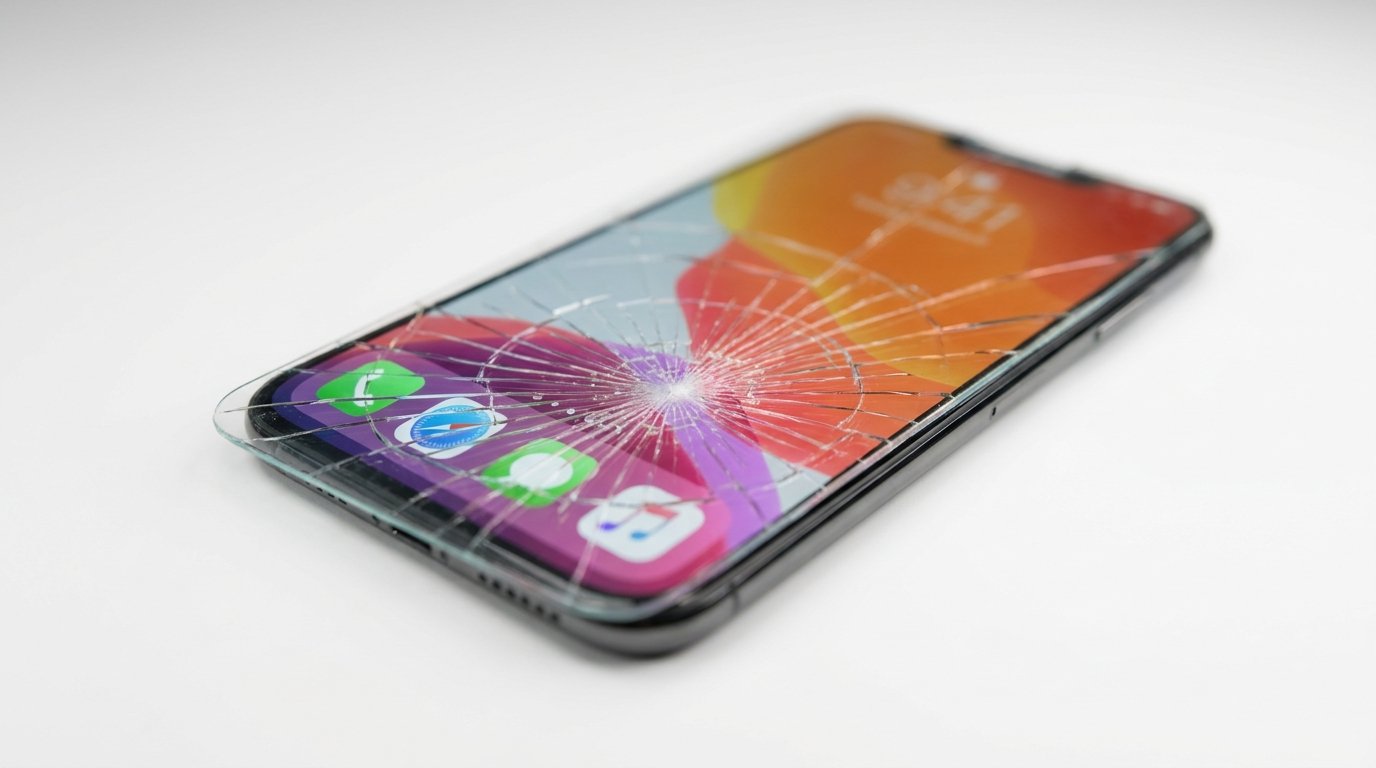
A brand-new phone is at its highest risk in the first 48 hours. You’re excited, you’re using it constantly, and your protective habits haven’t formed yet. In our experience at PhoneWaly.pk, the majority of cracked screens we hear about from customers happen within the first two weeks.
The good news? Protecting a new phone is cheap, fast, and something anyone can do — no technical skills required. This guide gives you a complete, step-by-step action plan starting from the moment you unbox.
Step 1: Physical Protection — The Non-Negotiables
Get a Screen Protector Installed Before You Leave the Shop
A tempered glass screen protector is the single highest-ROI purchase you will make for your phone. One drop on a hard floor without it can cost you PKR 8,000–25,000 in screen repairs. A quality tempered glass protector costs PKR 300–800.
What we’ve observed in the market: customers who skip the screen protector “just for a few days” almost always end up regretting it. Don’t wait. Install it on Day One.
- Tempered glass — Best protection, clearest touch response. Recommended.
- Hydrogel film — Self-healing, edge-to-edge coverage. Good for curved screens.
- PET film — Cheapest, least protection. Avoid for flagship phones.
Choose a Phone Case That Actually Protects
Not all cases are equal. A slim aesthetic case looks great but offers minimal drop protection. What you need depends on your lifestyle — but at minimum, go for a case with raised bezels around the screen and camera bump.
| Case Type | Drop Protection | Best For | Price Range (PKR) |
|---|---|---|---|
| Slim TPU Case |  |
Light daily use | 300–700 |
| Hybrid Hard Shell | |
Office & commute | 700–1,500 |
| Rugged Armor Case | |
Field work, outdoors | 1,200–3,000 |
| Wallet / Flip Case | |
Everyday carry minimalists | 800–2,000 |
| Clear Case | |
Show off the phone design | 400–900 |
Pro tip: For iPhones and Samsung flagships, always buy a case with MagSafe or official model-fit compatibility. Generic cases often leave ports and buttons misaligned.
Step 2: Camera Lens Protection
Don’t Forget the Camera — It’s the Most Expensive Part to Replace
Modern phones have protruding camera modules that scratch on flat surfaces even when placed face-up. A camera lens protector (tempered glass ring) costs PKR 200–500 and prevents damage that can cost PKR 5,000–15,000 to repair on flagship models.
In my professional experience, camera lens damage is under-discussed and over-expensive. Always add a lens protector to your Day One checklist.
Step 3: Secure Your Data Immediately
Back Up on Day One — Not Day Seven
Hardware protection is half the job. Your data is irreplaceable. Set up your backup solution before you start filling the phone with photos, contacts, and apps.
- Android: Google One backup (Settings → Google → Backup). Enable auto-backup for photos, contacts, app data.
- iPhone: iCloud or local iTunes/Finder backup. Set it up in Settings → [Your Name] → iCloud → iCloud Backup.
Enable Find My Device Right Now
If your phone is lost or stolen, Find My Device (Android) or Find My iPhone (iOS) lets you locate, lock, or remotely wipe it. This feature only works if it’s enabled before something goes wrong. Go enable it now — it takes 30 seconds.
Set a Strong Lock Screen
Use a 6-digit PIN or biometric lock (fingerprint + face ID as backup). Avoid pattern locks — they leave smudge trails on the screen. A phone without a lock screen is a goldmine for anyone who finds or steals it.
 Protect Your Phone Today — Shop at PhoneWaly.pk
Looking for quality screen protectors, rugged cases, and camera lens guards for your specific phone model? PhoneWaly.pk stocks genuine accessories for iPhone, Samsung, Xiaomi, OPPO, Vivo, Tecno, and more — with same-day delivery in major cities.
Step 4: Protect Your Charging Port and Battery
Use the Original Charger or a Certified Alternative
Cheap, uncertified chargers are one of the leading causes of battery degradation and port damage. Always use the charger that came with the phone, or buy a certified third-party charger (look for PD-certified USB-C or MFi-certified for iPhone).
Avoid Overnight Charging Until You Set Up Optimized Charging
Both Android and iOS have smart charging modes that stop charging at 80% overnight. Enable this in your battery settings on Day One to preserve long-term battery health. What we’ve observed in the market: phones charged improperly show significant capacity loss within 12–18 months.
- iPhone: Settings → Battery → Charging Optimization → Optimized Battery Charging.
- Android (Samsung): Settings → Battery → More battery settings → Protect battery.
- Android (Xiaomi/OPPO/Vivo): Look for “Battery Care” or “Charging Limit” in battery settings.
Step 5: Software and Security Setup
Update Your OS Immediately
Your new phone likely shipped with a slightly outdated OS version. The first thing to do is check for and install any available system updates. These patches close security vulnerabilities that attackers can exploit.
Install Only Apps from Official Stores
On Android especially, side-loading APKs from unknown sources is the fastest way to get malware. Stick to Google Play Store or Samsung Galaxy Store. On iPhone, this is enforced by default — keep it that way.
Review App Permissions
When you install apps, deny unnecessary permissions. A flashlight app doesn’t need access to your contacts. A weather app doesn’t need your microphone. Review permissions in Settings → Apps on your first day.
Step 6: Physical Habits That Prevent Damage
The best accessories in the world can’t compensate for careless habits. Here are the daily practices that make the biggest difference:
- Never put your phone in the same pocket as keys or coins — they scratch screens and bodies.
- Don’t place your phone on the edge of tables, desks, or car dashboards.
- Avoid using your phone with wet hands, especially near water sources.
- If your phone isn’t rated IP67 or higher, treat it as not waterproof — because it isn’t.
- When handing your phone to someone, always pass it screen-up.
 Get the Right Accessories — Delivered to Your Door
PhoneWaly.pk has accessories for every phone sold in Pakistan. Whether you need a rugged case for your Xiaomi Redmi, a tempered glass for your iPhone 15 Pro Max, or a camera protector for your Samsung S24 Ultra — we have it.
Frequently Asked Questions
1. What is the first thing I should do when I get a new phone?
Apply a screen protector and case immediately, then set up your backup solution and enable Find My Device. Physical protection and data security should happen before you start customizing apps.
2. Do I really need both a screen protector and a phone case?
Yes. A case protects the body and absorbs side/corner impacts. A screen protector protects the display from scratches and direct surface contact. They work together — one doesn’t replace the other.
3. What is the best type of screen protector for a new phone in Pakistan?
Tempered glass is the best all-around choice. It offers excellent scratch resistance, doesn’t affect touch sensitivity, and is widely available. For curved-screen phones (Samsung S and Note series), a UV-glue tempered glass or hydrogel film gives better edge-to-edge coverage.
4. How do I protect my phone from water damage if it’s not waterproof?
Get a waterproof phone pouch for outdoor or near-water situations. Avoid using your phone in rain, near sinks, or in steamy bathrooms unless it has an IP67/IP68 rating. A water-resistant case adds a small layer of protection but is not a substitute for an IP rating.
5. How can I protect my phone battery from day one?
Enable Optimized Battery Charging in your phone’s settings, avoid charging to 100% regularly, and never use a cheap uncertified charger. Keeping your battery between 20%–80% consistently extends its lifespan significantly.
6. Is it necessary to put a case on an expensive flagship phone?
Absolutely. Expensive phones are more costly to repair. A Samsung Galaxy S24 Ultra screen replacement can cost PKR 30,000–50,000 in Pakistan. A quality case costs PKR 1,000–3,000. The math is straightforward.
7. Can a tempered glass screen protector break instead of my phone screen?
Yes — that’s exactly how it works. A good tempered glass protector sacrifices itself so your actual display doesn’t crack. When it breaks, replace it immediately — a cracked protector is no longer protecting your screen.
8. How do I protect my phone from theft?
Enable Find My Device, set a strong lock screen PIN (not a pattern), and register your phone’s IMEI number. Avoid displaying your phone openly in crowded public places. Some cases also include wrist straps for added security.
9. Should I buy accessories from an online store or a physical shop?
Both work, but online is faster and often cheaper. The key is to buy from a trusted seller who specifies phone model compatibility. Generic “universal fit” screen protectors rarely fit perfectly. At PhoneWaly.pk, every accessory is listed by phone model to ensure the correct fit.
10. What are the most important accessories to buy for a new phone on day one?
In order of priority: (1) tempered glass screen protector, (2) protective phone case, (3) camera lens protector, (4) a quality USB-C or Lightning charging cable as a spare. These four items cover 90% of the most common damage scenarios.