



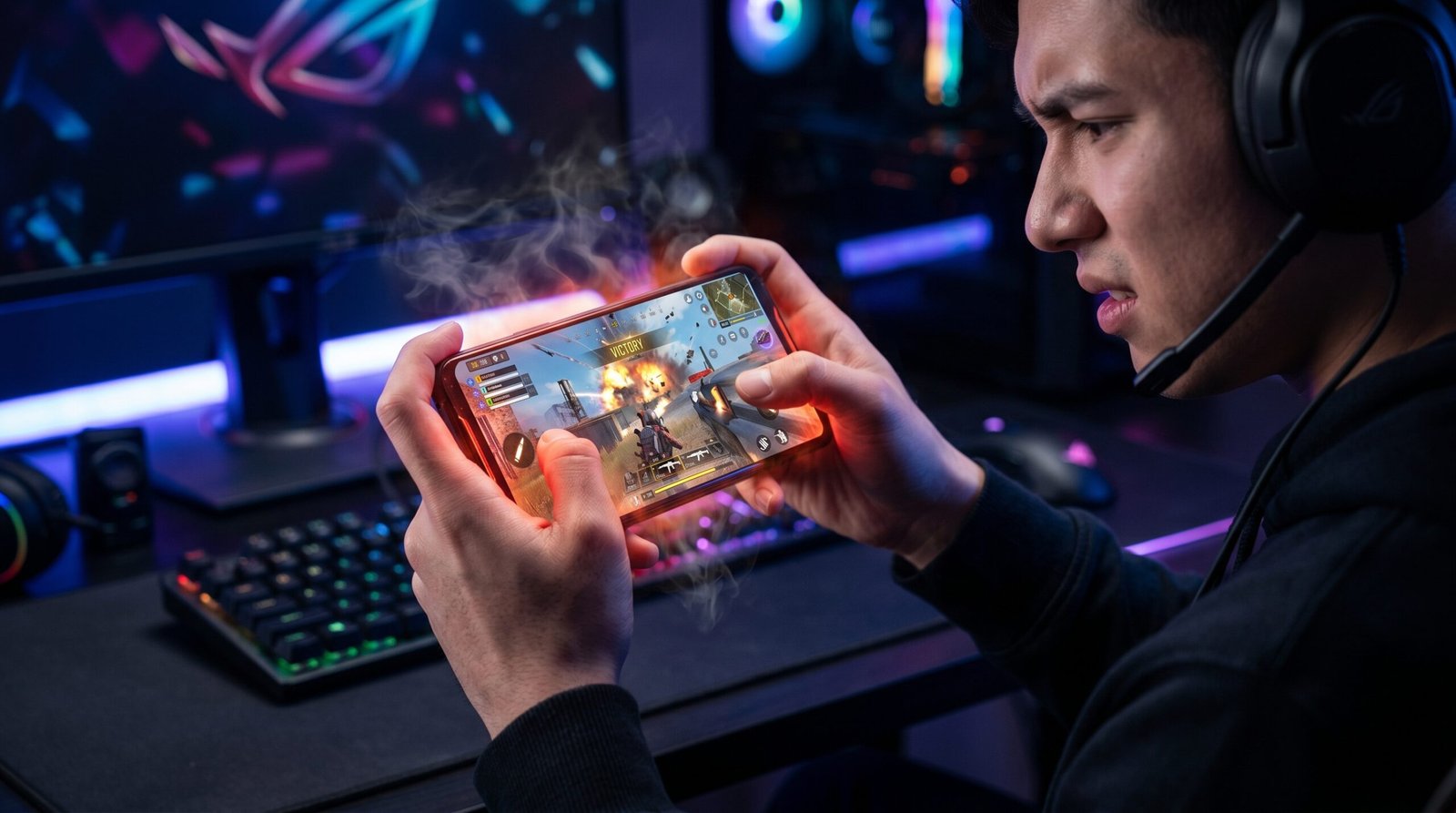
Thermal Throttling is the Enemy: Heat forces your processor to slow down, causing FPS drops in games like PUBG and Genshin Impact.
Active Cooling is the Solution: Magnetic coolers like the MEMO Series can drop device temperatures by up to 25°C, maintaining peak performance.
Choose by Yourself: Selecting the right combination of a high-performance device like the Infinix Note 60 and a dedicated cooler ensures a lag-free gaming experience.
In my professional experience, most gamers blame their internet connection for lag when the real culprit is sitting right in their hands: heat. When you push a high-performance device during intense gaming sessions, the internal components generate massive amounts of thermal energy. If this heat isn’t dissipated, the system triggers “thermal throttling,” intentionally slowing down your CPU and GPU to prevent permanent hardware damage.
Understanding Thermal Throttling in Mobile Gaming
What we’ve observed in the market is that even the most powerful “gaming” phones aren’t immune to physics. As your device reaches critical temperatures, you will notice a sudden drop in frames per second (FPS), unresponsive touch controls, and rapid battery drain. This is the device’s way of surviving the heat, but it usually happens at the worst possible moment—right in the middle of a final circle in PUBG.
To maintain a competitive edge, you need to manage these thermals actively. While internal cooling chambers help, they often reach their limit within 20 minutes of high-load gaming.
Why Active Cooling is Non-Negotiable
Standard passive cooling relies on the phone’s body to radiate heat into the air. Active cooling, however, uses TEC (Thermoelectric Cooling) technology to draw heat away from the processor instantly.
| Cooling Method | Performance Impact | Best For |
| Passive (Internal) | 15-20% performance drop after 30 mins | Casual social media use |
| Basic Fan | 5-10% performance drop; minimal cooling | Light gaming (Subway Surfers) |
| MEMO Magnetic Coolers | 0% performance drop; drops temp by up to 25°C | Pro-Gaming (PUBG, Genshin Impact) |
How to Choose by Yourself: The Pro-Gamer Setup
When building a mobile gaming rig, you must balance raw power with thermal management. We recommend starting with a device designed for high-load multitasking, such as the Infinix Note 50 Pro or the Infinix Note 60. These “gaming engines” feature high refresh rate displays and large RAM capacities (up to 12GB on the Note 50 Pro) that are perfect for modern titles.
However, to keep these devices running at 100% speed, you must pair them with professional cooling gear.
The MEMO Magnetic Cooler Series
The MEMO CX08 PRO and CX15 are the professional standards for mobile thermal management. These units use powerful magnets to snap directly onto the back of your phone, providing a constant stream of refrigeration-grade cooling directly over the heat source.
MEMO CX08 PRO: Features digital temperature displays so you can monitor your device’s health in real-time.
MEMO CX15: Optimized for ultra-quiet operation, ensuring your mic doesn’t pick up fan noise during livestreams.
Ready to dominate the leaderboard? Shop the MEMO Magnetic Cooler Series at PhoneWaly.pk and get free 2-day delivery on all gaming accessories.
Beyond the Smartphone: Ergonomics for Power Users
If your gaming or content creation extends to a laptop, heat remains your primary enemy. We’ve seen many creators struggle with thermal-induced crashes during video rendering or long gaming marathons.
The SpeedX SP-18S Laptop Stand is an essential addition to any pro-setup. Its 18-inch foldable aluminum design doesn’t just improve your posture; it significantly increases airflow to your laptop’s intake vents. By lifting the device off the desk, you allow heat to escape naturally, preventing the same throttling issues found in mobile devices.
Final Verdict: Don’t Let Heat Hold You Back
In my professional experience, the difference between a casual player and a pro often comes down to the gear that isn’t on the spec sheet. You can have the fastest processor in the world, but if it’s running at 45°C, it’s not going to perform. Investing in active cooling is the single most effective way to ensure consistent, high-FPS gameplay.
Upgrade your setup at PhoneWaly.pk today and experience lag-free gaming with our “Check Before You Pay” policy.
Frequently Asked Questions
Does a phone cooler actually increase FPS? Directly, no; however, by preventing “thermal throttling,” a cooler like the MEMO CX08 PRO allows your phone to stay at its maximum possible FPS for hours instead of minutes.
Can I use a magnetic cooler on any phone? Yes. While they are designed for MagSafe-compatible iPhones, most magnetic coolers come with a thin metal plate that can be attached to the back of any Android device, including the Infinix Note series.
How do I know if my phone is thermal throttling? If your screen suddenly dims, your game starts stuttering after 15-20 minutes of play, or the back of the phone feels hot to the touch, your device is likely throttling to protect itself.
